
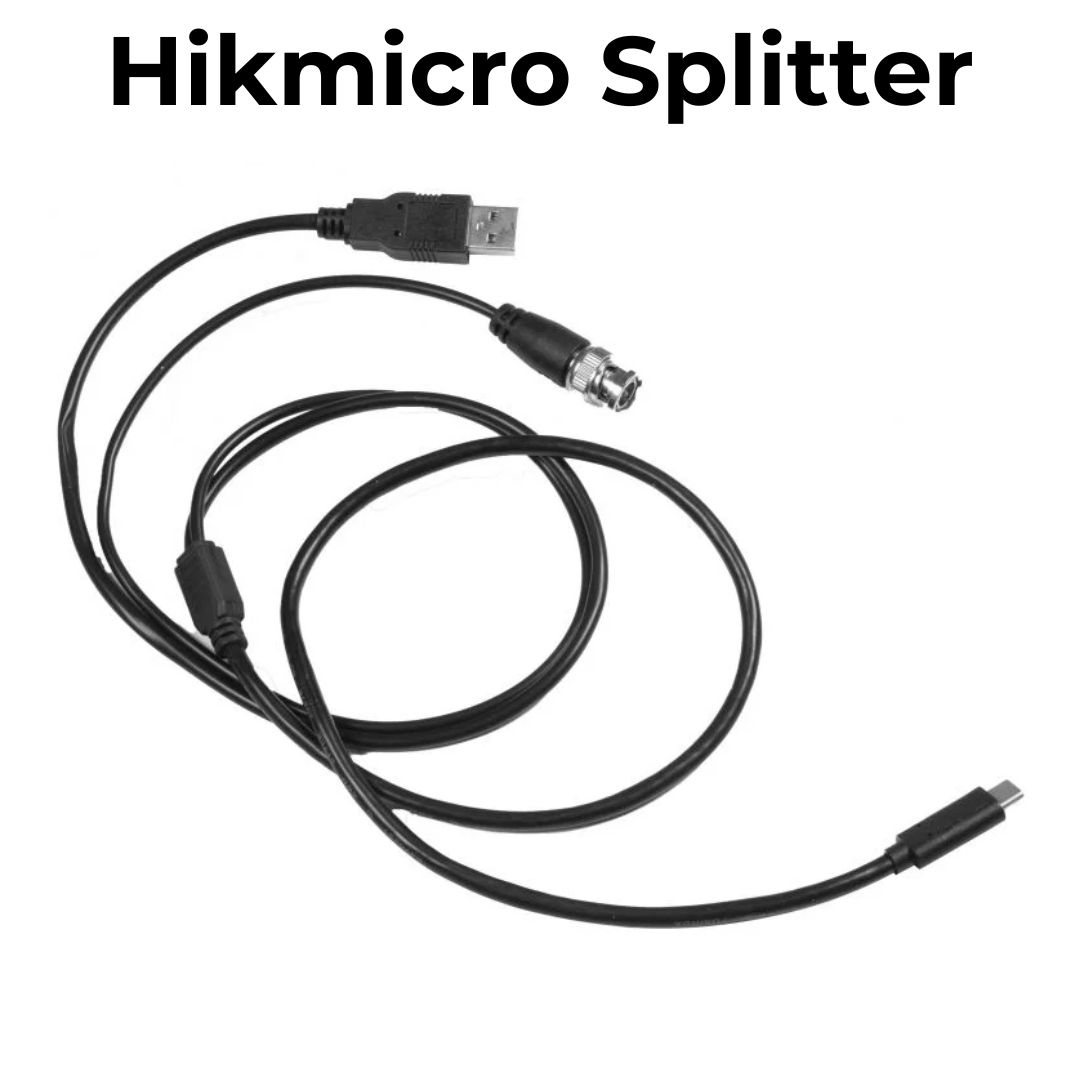
Need to connect your HIKMICRO device to a monitor or external screen via cable? This USB-C to BNC Video Output Cable is the perfect solution. Simply plug the USB-C connector into your HIKMICRO device, connect the USB-A to a power source, and insert the BNC into the screen’s video input and you’re ready to go.
